

The dashboard the owner actually uses
Screens from the owner dashboard on our demo roofing site, Joe Schmo Roofing. These are the sample screens from our test preview.
What the owner sees
Six screens from the demo. Leads and settings are sample data.
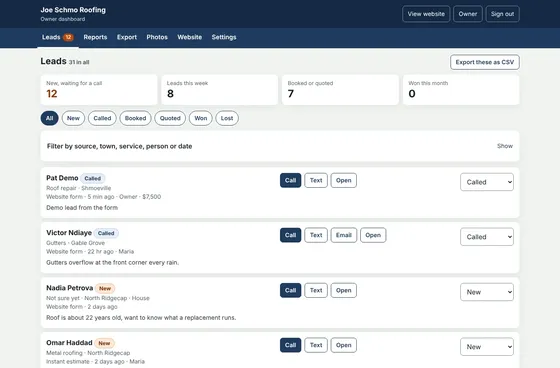
Leads inboxEvery request from the site in one list, with filters and a status on each lead. 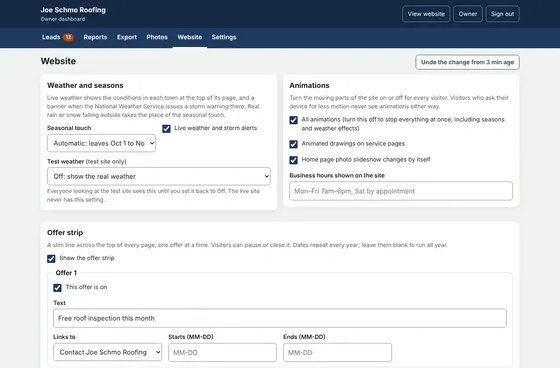
Website settingsChange the offer strip, weather and seasonal effects, and the contact details, without touching code. 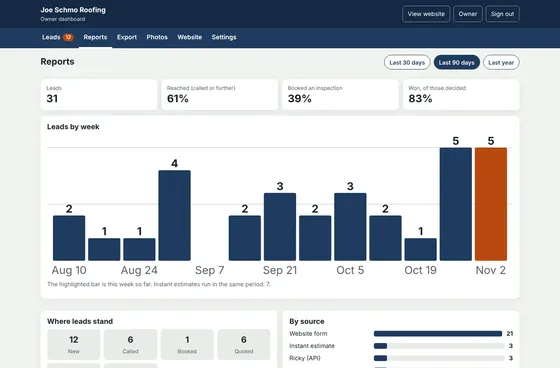
ReportsLeads by week and by source, so the owner sees what is bringing in calls. 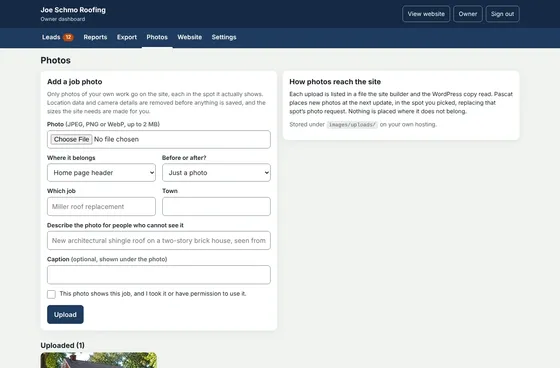
PhotosUpload job photos and choose where each one shows on the site. 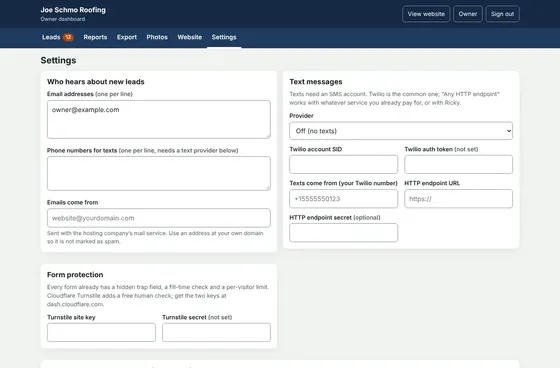
Alerts and messagesChoose who gets the text and email when a request comes in. 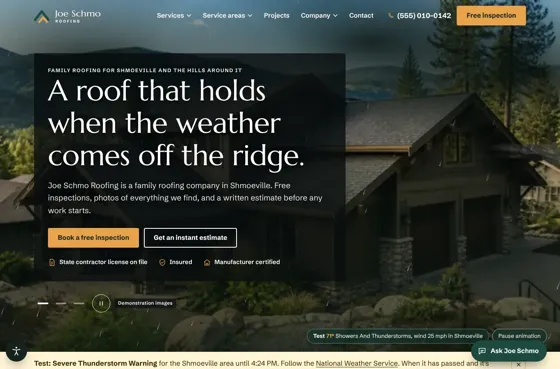
Weather and seasonsThe site changes with real weather and the time of year, shown here in a storm.
Walk through it
- Owner dashboard tourA walkthrough of the leads inbox, website settings, weather and seasons, reports, photos and exports.Open tour (opens in a new tab)
- Dashboard tour, interactiveClick through the dashboard screens on a sample roofing company.Open tour (opens in a new tab)
- Owner back end samplerBack ends for several kinds of business side by side.Open sampler (opens in a new tab)
Want to see it with your own business in it?
Tell us what you need to track and we will show you.